Using Friendly Battles
These interactive games are designed to be used with the desktop version of Microsoft PowerPoint.
Friendly Battles – Basic does not include an on-screen scoreboard, so a whiteboard will be required for scoring. These Basic versions do not require the scoreboard features described below.
Important – Friendly Battles games with an on-screen scoreboard
These presentations contain macros that operate the interactive scoreboard. Microsoft may block macros in files downloaded from the internet.
After downloading the presentation, locate the file in your Downloads folder, right-click the file and select Properties. If an Unblock option appears at the bottom of the General tab, tick Unblock, then select Apply and OK before opening the presentation.
Please also download and read the accompanying Instructions / Answers for each game before playing.
If you are using a workplace computer and the presentation or scoreboard still does not work, your organisation may have security restrictions that prevent macros from running. Please contact your IT department for assistance.
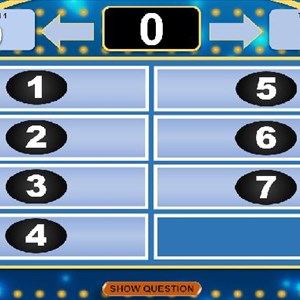
Friendly Battles – Five Interactive Slideshow
Friendly Battles – Five Instructions / Answers
Friendly Battles – Four Interactive Slideshow
Friendly Battles – Four Instructions / Answers
Friendly Battles – Three Interactive Slideshow
Friendly Battles – Three Instructions / Answers
Friendly Battles – Two Interactive Slideshow
Friendly Battles – Two Instructions / Answers
Friendly Battles – One Interactive Slideshow
Friendly Battles – One Instructions / Answers
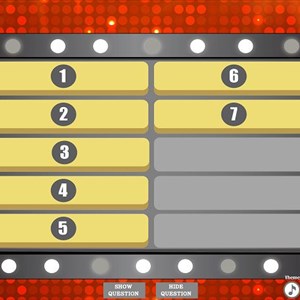
Friendly Battles-Basic 3 Interactive Slideshow No Scoreboard
Friendly Battles-Basic 3 Instruction/Answers
Friendly Battles-Basic 2 Interactive Slideshow No Scoreboard
Friendly Battles-Basic 2 Instruction/Answers
Friendly Battles-Basic 1 Interactive Slideshow No Scoreboard
Friendly Battles-Basic 1 Instruction/Answers